CLI vs MCP: The Wrong Debate
The Zombie Processes and the 50GB Cache
A few weeks ago, I noticed my MacBook was sluggish. I found orphaned MCP server processes that had failed to shut down cleanly — a problem Didier Durand describes vividly in his analysis [2], where users report finding over 100 zombie Node.js processes after a single session. I killed mine, freed some RAM, and went back to work.
Then last week, Brooke Jamieson — a fellow AWS Developer Advocate — published a post about running uv cache prune and freeing 75GB of disk space [9]. The culprit? Every uvx invocation from MCP servers (Kiro, Cursor, Claude Code all use them under the hood) silently caches packages, and the cache never cleans itself up. I ran the same command and got back 50GB. Fifty gigabytes of invisible MCP debt, sitting on my drive.

The hidden cost of MCP: orphaned processes and bloated caches
So when Peter Steinberger declared MCP “a mistake” [1] — arguing that the terminal is a 50-year-old interface that already works, so why build a new protocol? — I nodded along. I’d felt the pain firsthand. Zombie processes, bloated caches, scattered authentication flows, tools that worked yesterday and broke today.
Then I went back to my actual work — and within ten minutes, my agent was using MCP to pull context from Slack, read my calendar, search Salesforce, and update an Obsidian vault. All in a single conversation. All through typed, discoverable interfaces that no CLI could replicate.
That’s when I realized: we’re having the wrong debate.
The Accidental Interface
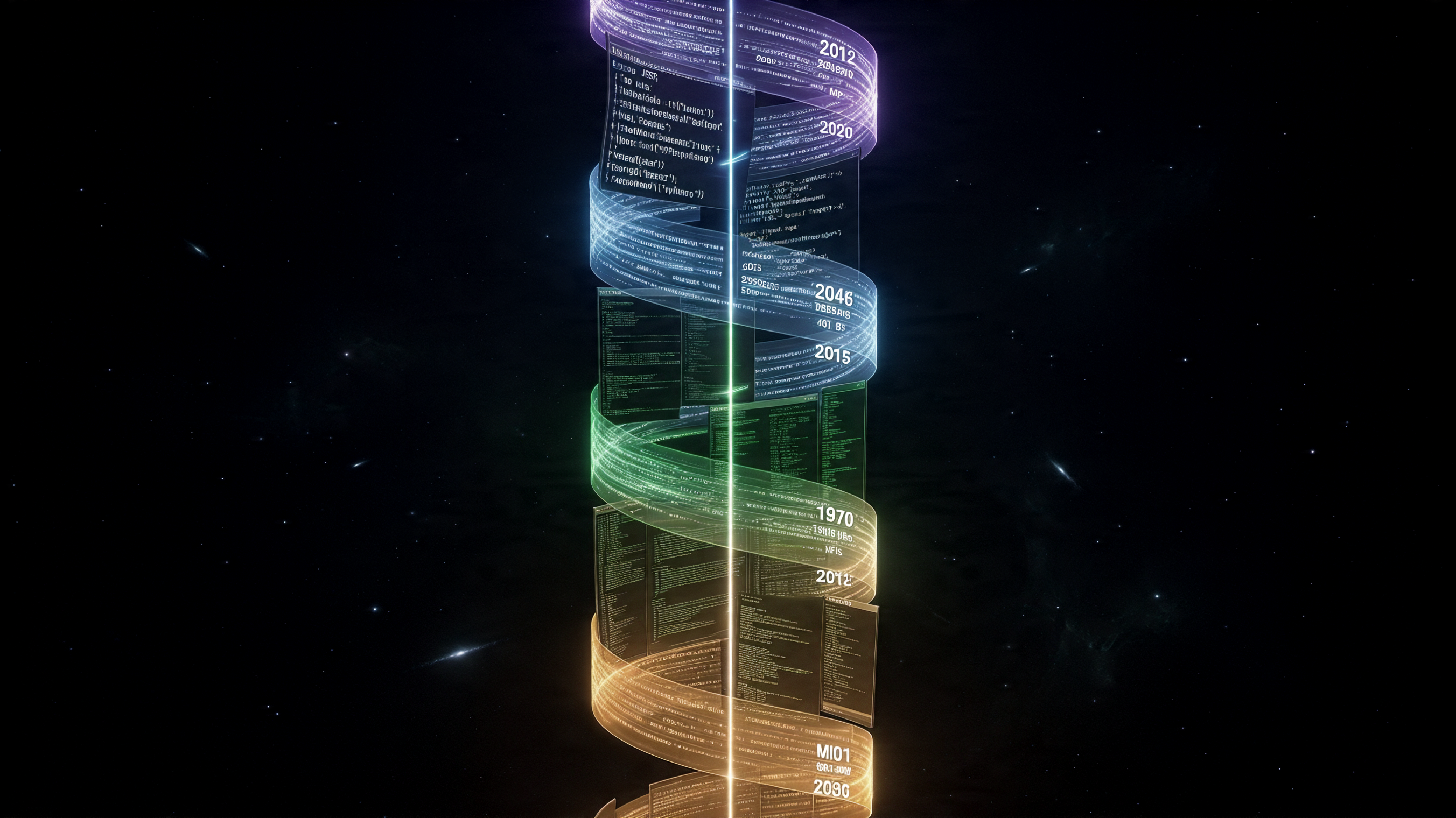
The terminal’s dominance in AI tooling is a training data accident, not a design choice
Didier Durand published a sharp analysis this week — “The Terminal (CLI) vs. The Protocol (MCP): 5 Counter-Intuitive Truths About the Future of AI Tooling” [2] — and his central insight reframes the entire discussion.
The terminal didn’t become the best interface for AI agents because it was designed for them. It became the best interface accidentally. LLMs are “native speakers” of the CLI because the internet is saturated with fifty years of man pages, Stack Overflow answers, and shell scripts. The model has seen git commit -m "fix typo" millions of times in training. It has prior knowledge of the terminal baked into its weights.
MCP, by contrast, relies entirely on runtime context. There is approximately zero MCP usage in most models’ training data. Every MCP tool schema must be injected into the context window at runtime — consuming tokens, adding latency, and requiring the model to learn a new interface on the fly.
This is a real advantage for CLIs. Benchmarks show a 35x reduction in token usage for specific tasks when using a well-known CLI over a bloated MCP server [2]. The model already knows how to use git. It doesn’t need a schema to tell it.
But here’s the counter-intuitive part: this advantage is temporary. It’s a training data artifact, not an architectural truth.
Where the CLI Breaks
I’ve been running my entire workday through a terminal-based AI agent for quite some time now [3]. Not just coding — meeting prep, customer research, expense reports, reading list curation, LinkedIn engagement. I wrote about this pattern in “The Coding Agent That Doesn’t Code” — how a coding agent with filesystem access, command execution, and tool integrations becomes the most versatile productivity tool you’ve ever used.
Here’s what I’ve learned about where CLIs break:
The Help Loop. When an agent encounters a bespoke internal tool — something the model has never seen in training — it enters what Durand calls a “Help Loop.” It calls --help, parses the output, tries a command, gets an error, calls --help again with a subcommand, tries again. Each iteration burns context tokens and increases the probability of misinterpretation. I’ve watched my agent spend 8 turns trying to figure out an internal CLI that a typed MCP schema would have resolved in one.
The Output Parsing Tax. CLI output is whatever the maintainer felt like that day. JSON, YAML, plain text, tables, colored output with ANSI codes — the agent has to guess the format and parse it. When the output changes between versions (and it always does), the agent’s parsing breaks silently. MCP returns typed, structured data. Every time.
The Authentication Nightmare. This is the one that hurts most in practice. CLIs rely on local profiles — ~/.aws/credentials, ~/.kube/config, GitHub tokens in environment variables. For a solo developer, this works. For an enterprise with 200 developers running AI agents that need access to internal services? It’s a security team’s worst nightmare. No centralized revocation, no scoped permissions, no audit trail.
I wrote about this exact pain in my MCP Gateway post [4] — how the proliferation of MCP servers, each with its own authentication flow, creates chaos. The solution wasn’t to abandon MCP. It was to put a gateway in front of it — centralized auth, unified tool catalog, observability. The same pattern we’ve used for APIs for twenty years.
The REST in 1999 Analogy
Durand makes an analogy that I think is exactly right: MCP today is REST in 1999.
Remember what REST looked like before OpenAPI? Every API was a snowflake. Documentation was a PDF someone emailed you. Error codes were whatever the backend developer invented. Integration was a multi-week project of trial and error.
Then OpenAPI (née Swagger) arrived and gave us a machine-readable contract. Suddenly you could auto-generate clients, validate requests, and build tooling around a standard. The messy period didn’t mean REST was flawed — it meant the ecosystem hadn’t matured yet.
MCP is in that messy period right now. The zombie processes, the silent initialization failures, the inconsistent implementations — these are symptoms of an infant protocol, not a broken one. The capabilities MCP provides — typed contracts, elicitation (asking the user for input mid-execution), sampling (calling back to the LLM for sub-tasks) — are things CLIs fundamentally cannot do [5].
I’ve been researching MCP’s evolution beyond simple request-response [5], and the direction is clear: servers that can actively participate in workflows, request structured user input, handle OAuth flows out-of-band, and report progress on long-running operations. AWS Bedrock AgentCore Runtime already supports all of this — running each session in a dedicated microVM with session isolation. Try doing that with a CLI.
The Hybrid Reality
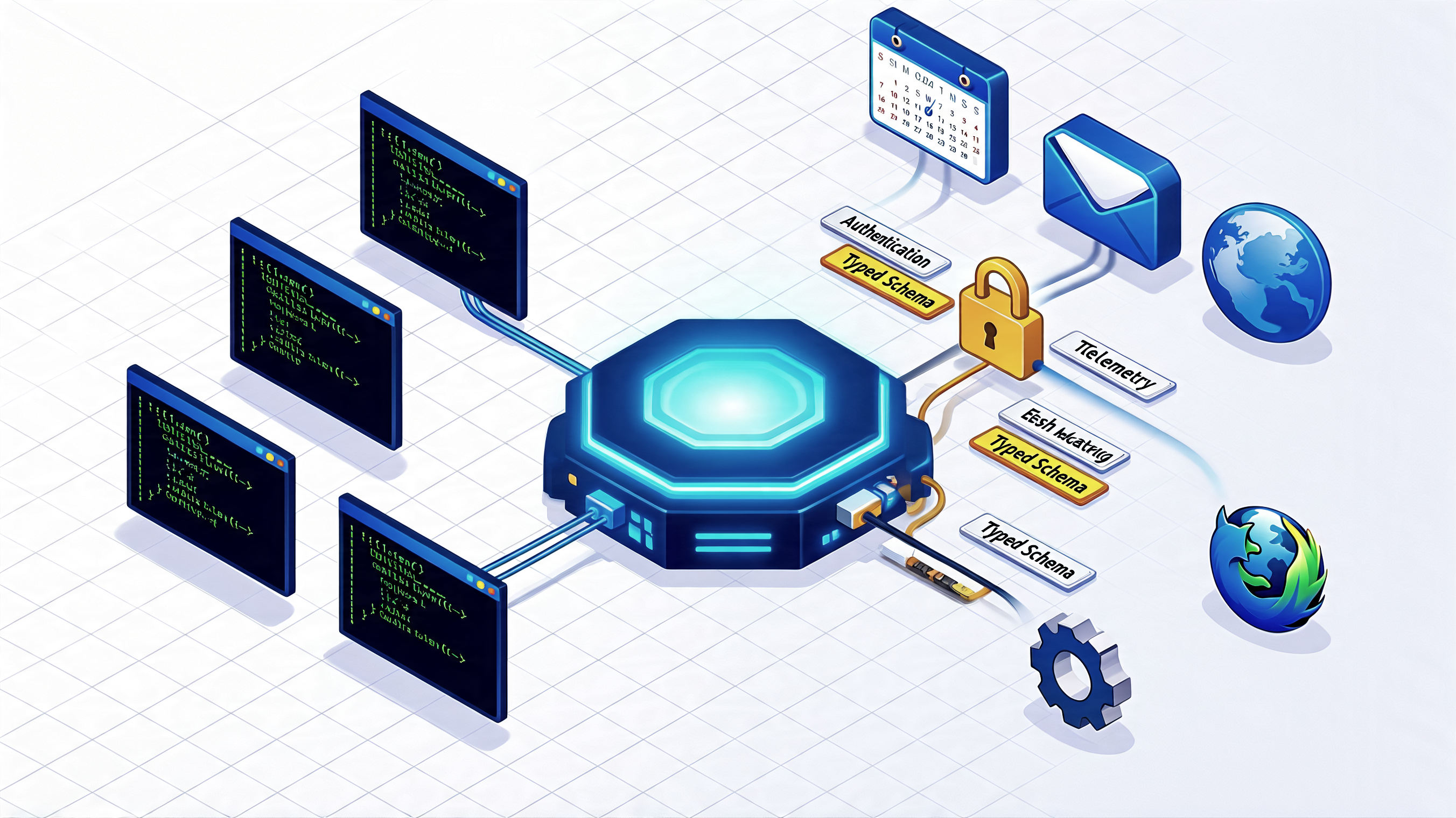
The hybrid architecture: CLIs for the universal, MCP through a gateway for the specific
Here’s what my actual setup looks like. Every day, my agent uses:
CLI tools — git, aws, grep, date, open, mkdir. The model knows these cold. Zero schema injection needed. Fast, reliable, token-efficient.
MCP servers — Outlook (calendar, email), Slack (search, post messages), Playwright (browser automation), Salesforce (CRM queries). These are bespoke integrations the model has never seen in training. They need typed schemas, structured responses, and authentication management.
The CLI handles the universal. MCP handles the specific. Neither replaces the other.
This isn’t a compromise — it’s the correct architecture. Durand arrives at the same conclusion: “Use CLIs for well-known developer tools where the model’s training data provides high accuracy. Adopt MCP for bespoke internal services, enterprise integrations, and any scenario requiring centralized security, telemetry, and typed consistency.”
I’d add one more dimension: the direction of travel matters. Today’s models have prior knowledge of git and kubectl. Tomorrow’s models will have prior knowledge of MCP tool schemas too — because we’re generating millions of MCP interactions right now that will end up in future training data. The “accidental advantage” of CLIs is a snapshot, not a law of physics.
What This Means for Builders
If you’re building AI-powered workflows today, here’s my practical take:
-
Don’t pick a side. Use CLIs for well-known tools. Use MCP for everything else. Your agent doesn’t care about the protocol wars — it cares about getting the job done.
-
Invest in the gateway pattern. Whether you use AWS Bedrock AgentCore Gateway [4] or build your own, centralize your MCP authentication and tool discovery. The zombie process era is ending — remote MCP over Streamable HTTP is the enterprise path forward.
-
Write typed contracts for your internal tools. If you have bespoke CLIs that agents struggle with, wrapping them in an MCP server with a proper schema is a one-time investment that pays off every time an agent uses them. The “Help Loop” tax is real and compounds.
-
Watch the MCP spec evolve. Sampling, elicitation, progress notifications — these aren’t nice-to-haves. They’re the capabilities that turn MCP from “a way to call tools” into “a protocol for agent collaboration.” The spec is moving fast [5].
The question isn’t CLI or MCP. It’s knowing when each one earns its place in your stack. The terminal is the interface of our history. The protocol is the interface of our future. And the present? The present is both.
Sources
[1] Peter Steinberger, “MCP is a Mistake” — OpenClaw Blog, March 2026
[2] Didier Durand, “The Terminal (CLI) vs. The Protocol (MCP): 5 Counter-Intuitive Truths About the Future of AI Tooling” — Didier’s Substack, March 15, 2026
[3] Stefan Christoph, “The Coding Agent That Doesn’t Code” — schristoph.online, March 14, 2026
[4] Stefan Christoph, “MCP Tool Chaos — got lost in authentication and governance?!” — LinkedIn, February 20, 2026
[5] Stefan Christoph, “MCP Sampling & Elicitation — Stateful Server Collaboration Patterns” — Research Note, March 12, 2026
[6] Stefan Christoph, “Technology Evolution Doesn’t Move in a Straight Line—It Spirals” — schristoph.online, March 10, 2026
[7] Stefan Christoph, “On the Loop, Not In It — But Code Quality Still Matters” — schristoph.online, March 12, 2026
[8] Stefan Christoph, “From Chaos to Control: Building Predictable AI Agents That Get Things Done” — LinkedIn Article, January 30, 2026
[9] Brooke Jamieson, “How I freed 75GB of disk space in 10 seconds with uv cache prune” — Medium, March 2026
Cross-posted to LinkedIn